Project templates / duplicate project |
  
|
Project templates / duplicate project |
|
There are no project templates in the traditional way in Xpert-Timer. But you can easily drag&drop an existing project onto a main project project.
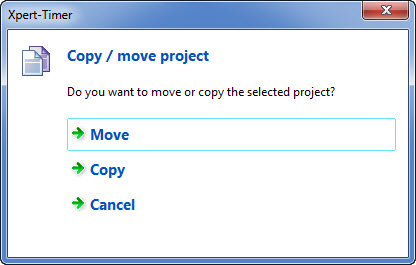
As soon as you drag&drop a project this dialog will open:
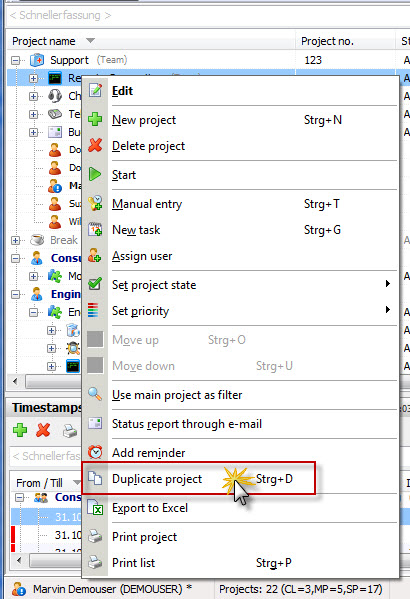
If you right click on an existing project, you can duplicate it as well. This way you can copy an existing project with the appropriate settings.